The right smartwatch size is not a single case number—it is the match between three dimensions (case width, lug-to-lug length, and thickness) and your wrist. Get it wrong and you lose twice: the watch becomes uncomfortable enough to take off, and its sensors stop reading reliably. Fit matters because a tracker cannot build consistent health trends during periods when you choose not to wear it, as RingConn's compact smartwatch guide puts it. Here is how to measure your wrist, evaluate each dimension, and use a structured framework to pick a size that stays comfortable through daily wear, exercise, and sleep.
Why Smartwatch Fit is Crucial for Comfort and Accuracy
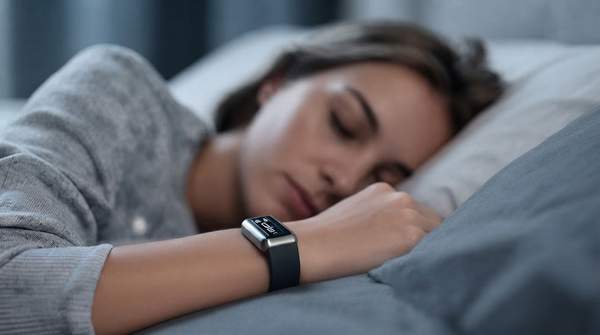
Fit determines two things at once: whether you will keep the watch on, and whether it can do its job while it is on. Smartwatch sensors require stable skin contact to function properly and deliver accurate data. A watch that is too loose breaks that contact; one that is too tight creates pressure points and discomfort that push you to remove it. Comfort and accuracy are therefore the same requirement viewed from two angles. A slightly wider but thinner and lighter device may feel better than a narrow, thick, top-heavy one, so judging a watch by case width alone leads buyers astray. The whole package—footprint, thickness, weight, strap, and sensor contact—decides whether a watch works as a 24/7 wearable.
Step-by-Step: How to Measure Your Wrist for a Smartwatch
Start with wrist circumference, the foundational measurement for every sizing decision that follows. If you have a flexible tape measure, wrap it around your wrist just above the wrist bone and read the number. No tape? Daniel Wellington's wrist-measuring guide offers a low-tech alternative that works just fine: take a piece of string, ribbon, or a thin strip of paper, wrap it around your wrist, mark where the ends meet, then lay it flat against a ruler to get your measurement. Measure the wrist you actually plan to wear the watch on, since the two wrists often differ. Write the number down—every dimension check below refers back to it.
Understanding Key Smartwatch Dimensions: Width, Length, and Thickness
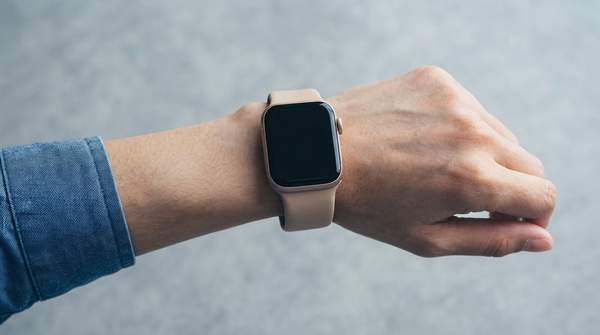
Three dimensions do most of the work in sizing. Case width (or diameter) tells you how wide the main watch body is and how much wrist surface it occupies—but it is only a starting point. Case length, measured lug-to-lug, tells you how far the device extends along or across the wrist, and can reveal overhang that width alone misses. Thickness tells you how far the watch rises above the wrist, which affects sleeves, side sleeping, and how noticeable the device feels. Two watches with identical case widths can wear completely differently: a thick bezel makes a watch look bigger, and as Coolblue's sizing advice notes, case thickness, strap width, and even button size all influence how large a smartwatch appears and sits on your wrist.